Odysseus AI Mac Install Guide
For MacBook & Apple Silicon
Install Odysseus AI on your MacBook without guessing between Docker, native macOS, Ollama endpoints, port 7000 limits, or port 7860 redirects. Get direct commands, setup checklists, an interactive MacBook hardware analyzer, and bypass errors cleanly.
General Context Note: Odysseus AI is 105% free, open-source software by developer PewDiePie. We do not distribute or modify official code packages. OdysseusAI.run serves independent installation workflows, local networking resolutions, and Launch Kit early access tools.
*The Launch Kit helps automate configuration, check preflights, and serve verified templates cleanly.
Quick Answer: The Safest Odysseus AI Mac Install Path
If you only read one part of this page, make sure it is this decision boundary. MacBook setups separate dynamically on Apple Silicon Metal acceleration.
A practical Odysseus AI Mac install should choose the runtime before the command. Native macOS gives Apple Silicon users the cleanest path to local Ollama performance, while Docker Desktop is useful for isolation but can hide GPU acceleration behind virtualization. Intel Macs and 8GB MacBook Air setups should treat API-backed providers or compact local models as the safer first target.
Apple Silicon M-Series
Always use the Native macOS route. Running Odysseus in Docker on Mac isolates variables but blocks access to raw Apple Metal GPU drivers, slowing LLM execution and making local model checks harder to diagnose.
Intel Mac Setup
Intel chips lack shared unified memory for fast AI weights. Force-loading locally causes thermals to spikes. Use Odysseus UI but connect remote API routes, then return to local models only after the workspace and login are stable.
Ollama Endpoint Logic
When running Native, use http://localhost:11434/v1. In Docker, write http://host.docker.internal:11434/v1. Keep the '/v1' path parameters active.
Strict Local Security
Do not bind parameters to outside networks. Expose port 7860/7000 over secure tunnels, LAN VPNs, or tools like Tailscale to connect mobile devices safely.
Check Your Odysseus AI MacBook Setup Path
You're this close. Don't waste Apple Silicon power.
Launch Kit tells you exactly where. Docker vs native decision first. The tradeoffs. The performance impact. Then clear steps for whichever path you choose.
Start Your Odysseus AI Mac Install From the Official GitHub
The first step of an authentic Odysseus macOS setup is clones directly from Git. Avoid downloading anonymous zipped compiled binaries (with fake .dmg or .pkg installers), as these often harbor system-credential mining scripts.
git clone https://github.com/pewdiepie-archdaemon/odysseus.git
cd odysseus
Beware of DMG & Executables
Odysseus does not ship with official Mac app binaries. If a blog prompts you to install an unknown macOS installer package, close it immediately.
Verify SHA Repos
Clone from pewdiepie-archdaemon/odysseus directly so you inspect code updates in the open.
Apple Silicon Odysseus AI Mac Install: M1, M2, M3 and M4 (Native)
For users on Apple Silicon MacBooks (M1/M2/M3/M4), running natively directly on hardware represents the highest performance route. Under Native launch, python interfaces can talk directly to Apple's Metal Performance Shaders (MPS) to execute rapid, offline model chats.
Finish the native route before tuning models. Confirm the shell script runs, note the printed port, capture and change the temporary admin password, then connect Ollama with localhost:11434/v1. If the app prints port 7860, open that exact URL instead of forcing Docker-style port 7000.
After that first prompt succeeds, you can tune model size, memory pressure, and provider routing. Until then, keep the Mac install simple: one terminal, one local URL, one provider endpoint, and one visible result.
Allow script permissions using terminal flags. This triggers python virtual env (venv) orchestration, and pip installs dependency packages natively.
chmod +x start-macos.sh
./start-macos.shWhile Docker structures default to port 7000, native macOS scripts commonly launch the server portal on port 7860. Verify terminal outputs before guessing.
http://127.0.0.1:7860macOS Native Wrapper Behavior:
- •Validates physical Python paths (must match 3.11+).
- •Isolates packages in locally structured directories inside virtual environment fields (venv).
- •Loads MPS / Metal acceleration hooks dynamically when starting Python processing.
- •Generates dynamic temporary admin password configurations.
Note: Do not close your active terminal window on first run, as it output logs for admin authorization logins.
Intel Mac and Low-Spec MacBook Route
Intel-based MacBook Pros, MacBook Airs with only 8GB of unified memory, or aged iMacs still run Odysseus nicely. However, serving heavy model weights on these platforms is not recommended. Instead, configure the workspace as a lightweight gateway to remote APIs or run extremely optimized compact models.
8GB MacBook Air Setup
Native macOS launcher is mandatory (Docker uses too much passive background RAM). Run the UI locally but avoid local models; tie OpenRouter connections to handle prompts.
Intel Core Pro Rigs
Since Intel Macs suffer high thermal spikes on AI execution, bypass local LLMs. Map your workspace directly to external OpenAI, Anthropic, or Gemini cloud routes.
Lightweight Local Serving
If you must remain fully offline on 8GB/Intel, fetch 1B parameters: ollama pull qwen2.5:1.5b. Low parameter models avoid freezing the OS.
| Hardware Target | Recommend Route | Ideal Model Weights | Typical Blockpoint | Access Link |
|---|---|---|---|---|
| M1 / M2 MacBook Air (8GB) | Native macOS (Low memory) | Llama-3.2-1B-Instruct / API | Docker engine constraints | Analyze Path |
| M-Series Pro / Max (16GB - 32GB) | Native macOS (MPS Metal) | Llama-3-8B-Instruct (Local) | Losing admin terminal password | View Commands |
| Mac Studio / Pro Pro Ultra (64GB+) | High-Spec Native macOS | Command-R / Custom 32B weights | Wrong port mapping parameters | Error Doctor |
| Intel CPU Rigs (Core i7 / i9) | API Gateway Mode | OpenRouter / Anthropic Cloud | Overheating & thermal limits |
Should You Use Docker Desktop for Odysseus AI Mac Install?
Docker Compose can build and run Odysseus on macOS quickly. The command isolates libraries safely. However, we warn users that running local generative models inside Docker Container layers on Mac drops direct GPU support, mapping processing back to slow CPU threads.
- • You prioritize perfect clean setup isolation over local execution rates.
- • You plan to connect remote API credentials (OpenRouter / Anthropic).
- • You run multiple services concurrently inside active docker pools.
cp .env.example .env
docker compose up -d --build- • Fully unlocks Apple Silicon Metal unified memory GPU processing.
- • Reduces memory overhead of the Docker virtualization engine daemon.
- • Communication port hooks are direct, preventing Docker loopback blocks.
Odysseus AI Mac Install + Ollama Endpoint Guide
Odysseus represents the frontend client portal. If you wish to execute offline chats, you must serve local weights using Ollama or other OpenAI-compatible backends on the target machine.
Ollama on Mac Interactive Endpoint Resolver
Perfect sync: Because both Odysseus server and Ollama serve natively on your MacBook directly, they communicate over the exact same localhost loopback path.
Why Your Odysseus AI Mac Install Opens Port 7860 Instead of 7000
While Docker container layouts lock default mapping to port 7000, Native macOS script execution wrappers commonly bind to port 7860! Avoid hitting localhost:7000 endlessly if terminal output reports active listeners elsewhere.
How to test what port is active:
Open macOS Terminal and verify open sockets utilizing standard UNIX commands:
lsof -i :7000
This reveals the Process ID (PID) occupying ports so you can close colliding programs easily.
Change Port Bindings:
If you require port isolation, edit active parameters inside the .env configuration file before starting your server:
APP_BIND=127.0.0.1
Restart the console script after tweaking env variables.
Retrieve Lost Admin Login Password on macOS
Native Terminal Trace
For MacBook native routes, look upward in the current active terminal output for the initial startup line. On first setup, Odysseus outputs:
Password: [alphanumeric-code]Docker Container Log Query
If running in Docker Desktop environments on macOS, extract active log arrays using standard compose commands:
docker compose logs odysseusRedact any critical tokens when debugging with outside support channels.
Fix Common Odysseus AI Mac Install Problems
Executable execution lockups
By default, unix command loops block active shell files until they are given explicit run authorization. If execution fails, tell zsh to bypass bounds:
chmod +x start-macos.sh && ./start-macos.shVerify Functional Local Prompt Templates Natively
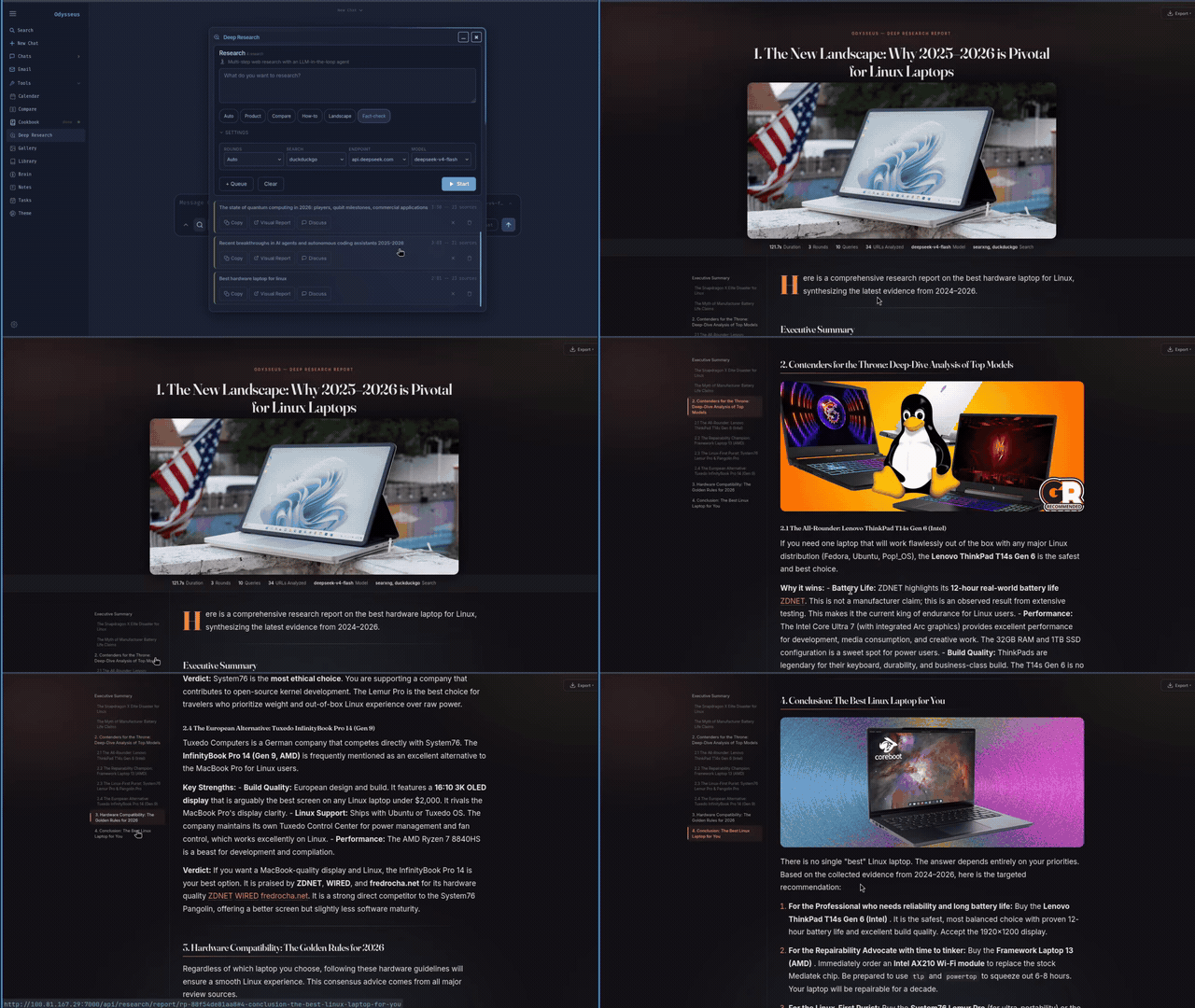
Deep Research Agent
Summarize multi-claim document spaces accurately:
Coding Debug Agent
Fix target traceback scripts with ease:
Local Docs Q&A
Search locally structured text blocks offline:
SEO Keyword content
Develop landing structures securely:
Treat Odysseus Like a Local Admin Console
Core Security Standpoints
• We do not distribute altered or modified Odysseus builds or files.
• We never prompt user accounts to input credentials, passwords, or raw keys into outside inputs.
• This page is independent. We advise inspecting any terminal command scripts before deploying natively.
Apple Silicon Hardening Tips
• Always maintain AUTH_ENABLED=true in your env scripts to protect model gateways.
• Never expose Ollama default ports (11434) straight to WAN routes.
• Restrict iPhone access routines using trusted local network paths instead of generic public port mapping.
Frequently Asked MacBook Install Questions
Odysseus AI Mac install route reminder
For an Odysseus AI Mac install, choose native macOS when Apple Silicon acceleration matters, choose Docker only when container isolation matters more, and verify whether Ollama should use localhost or host.docker.internal before editing provider settings.
Ready to Start Your Odysseus AI Mac Install?
Clone official vectors, bypass execution limits natively, link Ollama correctly, and keep your local configurations private and secure.